crm for sales team collaboration: boost efficiency
Discover how crm for sales team collaboration can enhance efficiency. Start today and empower your team.

Rasmus Rowbotham
Founder of Foundbase and experienced entrepreneur with over 10 years of experience in building and scaling businesses.
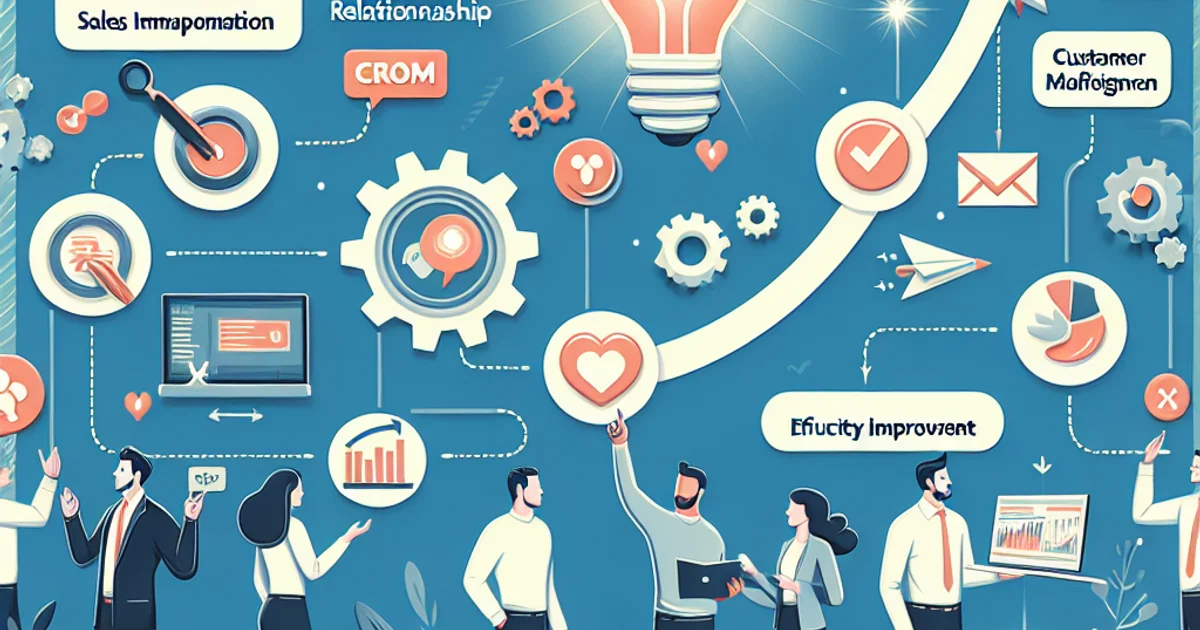
Crm for sales team collaboration: Enhancing teamwork and efficiency
For founders of startups and small teams, creating a collaborative sales environment is essential. The right Customer Relationship Management (CRM) system can serve as the backbone of this effort. This guide dives into how a CRM can transform sales team collaboration, offering practical insights and real-world examples.
The practical framework for crm-based collaboration
Implementing a CRM for sales team collaboration requires a structured approach. Here’s a step-by-step workflow to guide you:
1. Define clear objectives
Start by identifying the primary goals for your CRM. Whether it's improving communication, tracking leads, or enhancing customer interactions, clarity ensures everyone is aligned.
2. Choose the right CRM platform
Select a CRM that matches your team’s needs. Consider factors like ease of use, integration capabilities, and scalability. Avoid complex systems that require extensive training.
3. Customize the CRM to fit your workflow
Tailor the CRM to reflect your sales process. This involves configuring dashboards, setting up custom fields, and automating repetitive tasks. A CRM should enhance, not disrupt, your existing workflow.
4. Integrate communication tools
CRM platforms often integrate with email, chat, and video conferencing tools. This integration centralizes communication, making it easier for team members to collaborate and share information.
5. Train your team effectively
Invest in comprehensive training sessions to ensure every team member is proficient in using the CRM. Training should focus on day-to-day operations and troubleshooting common issues.
6. Foster a culture of collaboration
Encourage team members to use the CRM as a central hub for all sales activities. Regular meetings and feedback sessions can promote a collaborative culture.
7. Monitor and analyze performance
Use the CRM to track performance metrics and identify areas for improvement. Regular analysis helps in refining strategies and optimizing sales efforts.
Example scenarios: Real-world applications
Scenario 1: A startup with limited resources
A small tech startup with a team of five struggles to manage customer interactions. By implementing a CRM, they centralize customer data, streamline communication, and improve lead tracking. This setup allows the team to focus on building relationships rather than managing spreadsheets.
Scenario 2: Remote sales team coordination
An e-commerce business with a remote sales team uses a CRM to keep all members connected. Through integrated communication tools and shared dashboards, the team can collaborate efficiently, ensuring consistent messaging and follow-up with potential customers.
Common mistakes and how to avoid them
1. Choosing a CRM based on price alone
Many startups opt for the cheapest CRM option, only to find it lacks essential features. Instead, balance cost with functionality to ensure the CRM supports your specific needs.
2. Overcomplicating the setup
Over-customizing the CRM can lead to confusion and inefficiency. Keep configurations simple and focus on features that directly improve collaboration.
3. Neglecting user training
Without proper training, team members may not leverage the CRM’s full potential. Regular training sessions can mitigate this risk and improve overall adoption.
4. Ignoring data quality
Poor data management can undermine CRM effectiveness. Implement regular data audits to ensure information is accurate and up-to-date.
5. Failing to integrate communication tools
A CRM without integrated communication channels can lead to siloed information. Ensure your CRM connects with email and chat platforms used by your team.
Options and trade-offs
Option 1: Cloud-based CRM
Best fit for teams needing flexibility and remote access. Downsides include potential data security concerns and reliance on internet connectivity.
Option 2: On-premise CRM
Ideal for businesses with specific security requirements. However, it requires significant IT resources for maintenance and updates.
Option 3: Open-source CRM
Great for tech-savvy teams who need customizable solutions. The downside is the need for technical expertise to implement and maintain the system.
Timeline and effort for implementation
CRM implementation can be broken into phases:
Phase 1: Planning (2-4 weeks)
Define objectives, select a CRM, and outline customization needs. This phase involves stakeholder alignment and initial training plans.
Phase 2: Setup and customization (4-8 weeks)
Configure the CRM to fit your workflow, integrate tools, and conduct initial training sessions. Expect some iteration as you refine settings.
Phase 3: Full deployment (2-4 weeks)
Roll out the CRM to all team members, provide ongoing training, and start monitoring performance metrics.
Costs: Understanding the investment
The cost of CRM systems varies widely. Factors include the number of users, required features, and level of customization. Typical monthly costs range from $20 to $150 per user, with additional expenses for training and integration services.
Wrap-up and next steps
- Define your CRM objectives and align them with your team’s needs.
- Choose a CRM platform that balances cost and functionality.
- Customize the CRM to fit your sales process.
- Integrate communication tools to enhance collaboration.
- Invest in ongoing training and performance monitoring.
For more insights into how CRM can transform your sales team, explore Foundbase's CRM features and discover tools that can elevate your business. To dive deeper into CRM strategies, check out guides on CRM best practices and CRM automation frameworks.
Frequently asked questions
Q: How can CRM improve collaboration in our sales team?
CRM systems centralize customer data and communication, making it easier for the sales team to collaborate effectively. With access to up-to-date information, team members can coordinate their efforts and avoid duplication of work.
Q: What CRM features are most useful for sales team collaboration?
Features like shared calendars, task management, and real-time communication tools are crucial for effective collaboration. They ensure all team members are updated and can work together without delays.
Q: Is it difficult to implement a CRM system for our sales team?
Implementation can be straightforward if you choose a CRM system that fits your business needs. Many CRM providers offer onboarding support and training resources to ease the transition.
Related guides
Crm customer feedback integration: enhance your strategy
Discover how to integrate customer feedback into your CRM system to enhance customer satisfaction and refine your strategy.
Rasmus Rowbotham
crm adoption strategies for startups: success
Unlock the secrets to effective crm adoption strategies for startups. Overcome challenges and implement successfully with our expert guide.
Rasmus Rowbotham
crm for remote startups: boost your sales
Learn how crm for remote startups can optimize your team's collaboration and sales. Get insights into the best tools and strategies.
Rasmus Rowbotham