Advanced Time Tracking and Project Invoicing: From Hours to Automated Billing
Learn how to implement a complete time tracking and invoicing workflow in projects with automation, approval flows, and accounting integration.

Rasmus Rowbotham
Founder of Foundbase and experienced entrepreneur with over 10 years of experience in building and scaling businesses.
Why accurate time tracking is the foundation of professional project invoicing
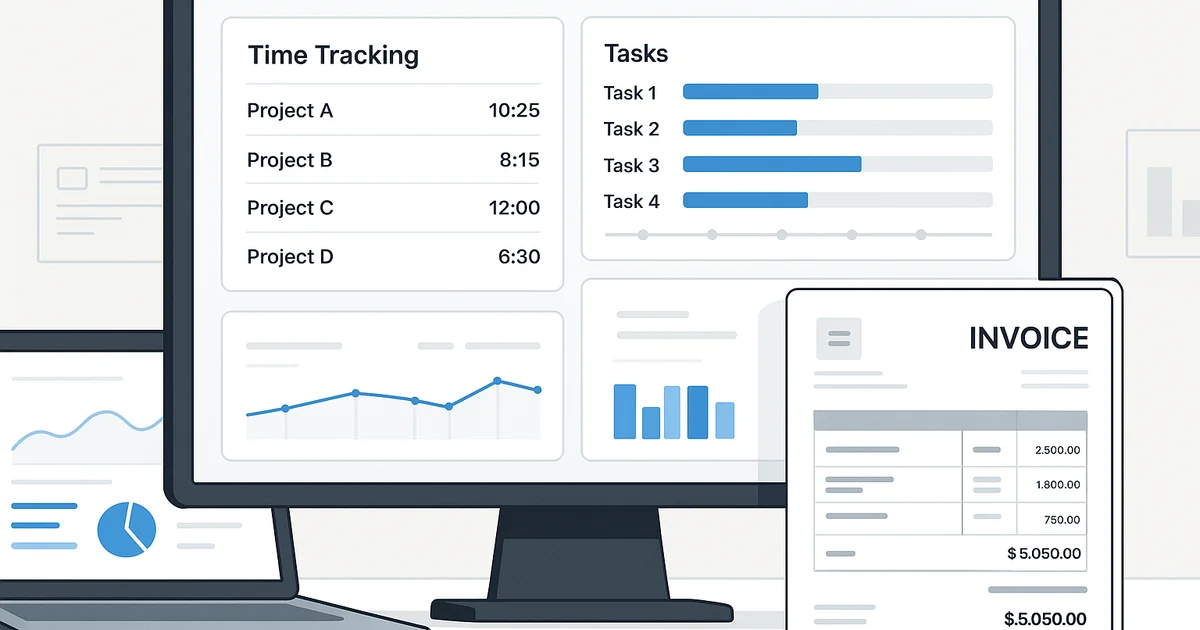
Time tracking in project management is not just about recording hours; it’s about establishing a transparent link between effort, deliverables, and revenue. A well-structured system ties employee hours directly to tasks, budgets, and invoice lines.
Building a solid structure
Begin by defining the project's financial framework: tasks, milestones, and resources. Each element should be connected to a time entry. An efficient setup includes:
- Project codes aligned with invoice line items
- Roles with different hourly rates (internal, external, senior, consultant, etc.)
- Clear time logging policies with validation rules
This foundation ensures consistency and minimizes billing errors. For more on structured setup, see this implementation guide.
Automated time tracking and approval flows
Advanced systems automate most of the process. Typical features include:
- Automatic reminders for missing hours
- Weekly manager approvals
- Task-based time tracking integrated with project boards
Approval-based workflows guarantee that invoicing is always based on validated hours. Learn how to avoid common pitfalls in the top 10 project management mistakes.
From hours to invoices: The automated flow
The most efficient process connects tracking to billing automatically:
- Employees log hours per task or activity.
- The system validates time entries against project budgets and contracts.
- Project leads approve time entries.
- Approved hours are transferred to the billing module.
- Invoices are generated automatically with correct rates and tax codes.
This reduces manual effort and ensures invoices reflect real project work.
Integrating with accounting systems
To eliminate double work, the tracking and invoicing system should integrate directly with accounting. Modern tools support synchronization of:
- Client accounts and project IDs
- Invoice numbers and payment statuses
- Cost and revenue accounts
When project and accounting systems communicate seamlessly, financial transparency improves dramatically. For advanced tool setup, see this guide on advanced tool usage.
Advanced techniques: Allocation, profitability, and forecasting
Experienced teams use time data for more than billing. By linking tracked time to costs and allocations, they analyze:
- Profitability per employee or project
- Forecasted billing pipelines based on work in progress
- Deviations between estimated and actual time
This data supports better future estimates, resource planning, and contract negotiation.
Template for time tracking and invoicing
A professional setup includes:
- Weekly time overview per employee
- Automatic invoice drafts with hours and rates
- Non-billable time tracking
- Customer and project overviews with invoice status
These elements form a closed loop from effort to revenue. Start for free here: free project management tool.
Conclusion
Time tracking and invoicing should operate as one unified workflow. Automation, integration, and role clarity ensure that no time is lost – and every invoice reflects actual value delivered.
Frequently asked questions
Q: How can companies ensure accurate time tracking for invoicing?
By implementing a validation and approval process where time entries must be reviewed before invoicing. Systems should automatically validate entries against project budgets and contracts.
Q: How can time tracking be integrated with accounting software?
Modern project tools integrate via APIs with accounting systems like QuickBooks or Xero, syncing clients, invoices, and payments automatically for a seamless flow.
Q: What’s the difference between billable and non-billable hours?
Billable hours are linked to client projects and invoiced accordingly, while non-billable hours include internal work such as training or administration and are tracked for productivity insights.
Related guides

Project management for non-tech startups: Simple strategies
Learn how non-tech startups can effectively manage projects. From planning to tools, get comprehensive insights and strategies.
Rasmus Rowbotham
Project management for small startups: Essential guide
Learn how to manage projects effectively in small startups. This expert guide provides essential techniques and tips for success.
Rasmus Rowbotham
Project management tips for new startups: Strategic insights
Are you a new startup? Discover essential project management tips to propel your business forward. Gain insights into effective strategies and planning.
Rasmus Rowbotham