Budget Tool for Entrepreneurs: Step-by-Step Guide to Managing Your Finances
Learn how to use a budget tool as an entrepreneur to gain control, manage cash flow, and plan business growth effectively.

Rasmus Rowbotham
Founder of Foundbase and experienced entrepreneur with over 10 years of experience in building and scaling businesses.
What is a budget tool?
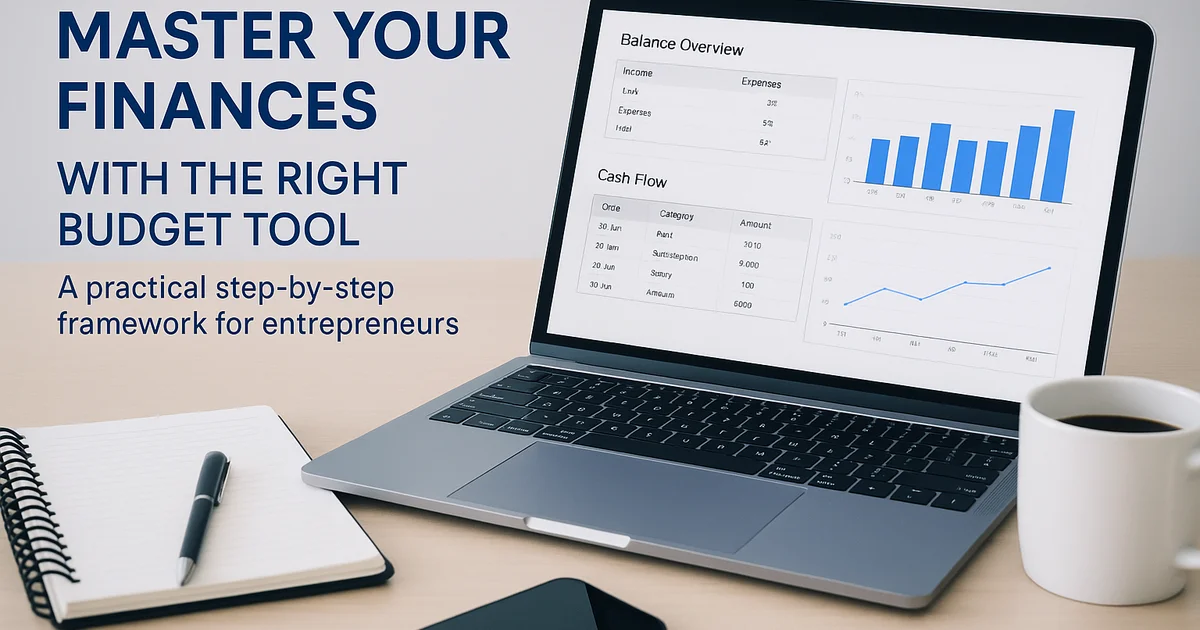
A budget tool is a structured system designed to help you manage your business finances. It can be a spreadsheet in Excel or Google Sheets, or software such as Dinero or Billy. The goal is to clearly see where your money comes from and how it is spent.
Why every entrepreneur needs a budget tool
When running a business, it's easy to focus on sales, customers, and product development — and lose track of the numbers. A budget tool ensures you always have a clear picture of your financial situation. It helps you:
- Predict future income and expenses
- Identify cost-saving opportunities
- Plan growth and investments
- Prevent cash flow issues
How to build your own budget tool
1. Choose your platform
Start simple. Most entrepreneurs begin with Google Sheets or Excel because they’re flexible and free. Later, you can switch to automated tools as your business scales.
2. Define fixed and variable expenses
List all fixed expenses like rent, subscriptions, and salaries. Then add variable expenses like ads, production, and shipping. This gives a realistic monthly cost picture.
3. Estimate revenue
Estimate expected income per month. If your business is seasonal, reflect that in your budget. This helps you plan when to save or invest more aggressively.
4. Add cash flow tracking
A great budget tool should show your real-time cash flow. Include payment dates for both income and expenses to visualize when money leaves or enters your account.
5. Create scenarios and forecasts
Simulate different scenarios — for example, how your finances would look if you hired a new employee or lost a major client. This prepares you for unexpected changes.
6. Update regularly
Your budget tool only works if you keep it updated. Review it monthly to compare expected vs actual results, and use those insights to adjust your strategy.
Example: Simple budget tool in Google Sheets
Set up columns for:
- Date
- Category (income/expense)
- Description
- Amount
- Balance
Use formulas like =SUM() and =IF() to calculate totals automatically, and insert charts to visualize trends over time.
Best digital budget tools for entrepreneurs
- Dinero – Danish accounting system with easy budgeting tools
- Billy – Simple and user-friendly for small businesses
- Pleo – Combines payments and expense tracking
- Fiken – Great for freelancers with many small transactions
Common budgeting mistakes
- Overestimating revenue
- Ignoring small recurring costs
- Failing to update regularly
- Not including an emergency buffer
Conclusion
A budget tool gives you confidence and clarity. It’s not just a spreadsheet — it’s your roadmap for growth. Start small, stay consistent, and use your data actively to make better business decisions. Learn more about entrepreneurship and financial planning at Foundbase.io.
Frequently asked questions
Q: What is the best budget tool for startups?
For early-stage startups, Google Sheets or Excel works well for flexibility. As you grow, consider tools like Dinero, Billy, or Pleo for automation and bank integrations.
Q: How do I create a simple budget tool?
Use a spreadsheet with columns for date, category, amount, and balance. Automate calculations with formulas and visualize your data with basic charts.
Q: How often should I update my budget?
Ideally once a month. Regular updates help you identify trends early and make better financial decisions for your business.
Related guides

Growth strategies for small teams: Effective tactics
Learn how small teams can grow effectively with strategies that enhance collaboration and efficiency. Our guide helps you optimize operations.
Rasmus Rowbotham
Startup pricing strategies: maximize profit
Explore expert-level startup pricing strategies to enhance your business's profitability. Gain insights into various models and successful examples.
Rasmus Rowbotham
Startup competitive analysis: Strategies for success
Gain insights into competitive analysis strategies for startups. Learn to navigate the market and position your startup effectively.
Rasmus Rowbotham