Free CRM as a Growth Starter: Build a Simple Sales Flow with Automatic Momentum
Beginner-friendly guide on how to use a free CRM to create structure, rhythm and momentum in your sales work – step by step.

Rasmus Rowbotham
Founder of Foundbase and experienced entrepreneur with over 10 years of experience in building and scaling businesses.
Introduction: Free doesn't mean limited – if used correctly
Many founders install a free CRM but only use it as a contact list. A CRM becomes valuable when it builds momentum – helping you remember follow-ups, track data and move deals forward automatically. This guide shows exactly how to set up a free CRM that works for you, not against you.
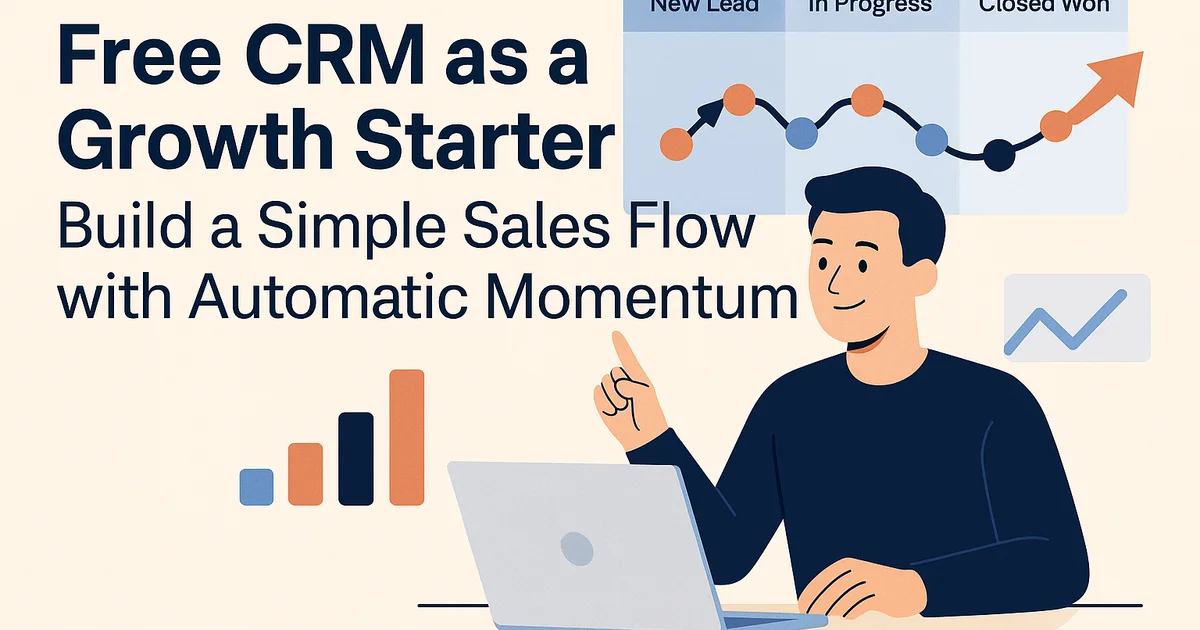
Step 1: Start simple – one pipeline, three stages
Free CRMs like HubSpot, Zoho or Bitrix24 come with predefined pipelines. Don’t overcomplicate it. Create only three stages:
- New lead – someone who has shown interest
- In progress – you've reached out or sent a proposal
- Closed/Won – deal completed or lost
This simple view gives you clarity and prevents overwhelm. Once you master the basics, you can expand. Learn more about pipelines in CRM for beginners.
Step 2: Add automatic follow-up
Missed follow-ups kill sales. Even free CRMs can automate reminders. Example:
- When a lead moves to 'In progress', auto-create a task: 'Follow up in 3 days'
- If not completed, send a notification
These small triggers ensure you never lose momentum. You don’t need paid automation – just consistent reminders.
Step 3: Keep everything in one place
A CRM becomes powerful when all communication is linked. Make sure emails, notes and calls stay under each contact. Most free CRMs let you:
- Connect Gmail or Outlook for automatic email logging
- Add notes directly on contact records
- See full history so you always know what’s next
This turns your CRM into a living workspace, not just a database.
Step 4: Use tags and filters
Even with few leads, use tags to stay organized. Examples:
- Hot lead – ready for meeting or proposal
- Cold lead – not ready yet
- Partner – potential collaborator
Tags help prioritize quickly. They’re your shortcut to smarter outreach.
Step 5: Create a weekly CRM ritual
Consistency is the secret. Spend 30 minutes weekly to:
- Update deals and move them to correct stages
- Add notes from calls
- Review tasks for next week
This habit transforms your CRM into a real sales engine.
Step 6: Build simple automations
Use free tools like Zapier, Make or Google Sheets to add small automations:
- Slack message when a new lead arrives
- Import leads automatically from Google Form
- Create calendar event when deal moves to 'In progress'
Even light automation creates flow and accountability.
Step 7: Grow with data
Once you track 50–100 leads, analyze your data:
- How many leads convert to meetings?
- How long does each deal stay open?
- Which source drives most sales?
See more on data-driven CRM in CRM Automation Framework.
Conclusion: A free CRM is your foundation, not your limit
A free CRM can fully support your early growth – if you use it right. Keep it simple, follow up consistently, and build data habits. When you outgrow it, upgrading will be seamless. Start today with free CRM features on Foundbase.
Frequently asked questions
Q: Which free CRM should I start with?
Choose based on ease of use and integration – not feature count. HubSpot CRM and Zoho Free are great options. Focus on pipeline, tasks and email sync first.
Q: How do I keep my CRM clean as it grows?
Set a weekly routine to update deals and archive old ones. Keep stages simple and use tags. A clean CRM is easier to use and leads to better insights.
Q: Can I automate tasks in a free CRM?
Yes. Most free CRMs include task automation or allow integrations via Zapier. Start small – one or two automations that save time each week make a big difference.
Related guides

CRM customer segmentation strategies: Boost your marketing
Discover expert CRM customer segmentation strategies to boost your marketing. Learn how to effectively segment your customers.
Rasmus Rowbotham
crm for sales team collaboration: boost efficiency
Explore how crm for sales team collaboration can optimize your business efficiency. Gain insights into top tools and solutions.
Rasmus Rowbotham
crm for remote sales teams: boost collaboration
Discover how crm for remote sales teams can transform your sales strategy. Learn about top tools and methods to boost collaboration.
Rasmus Rowbotham