crm security for startups: Protect your data
Learn about crm security for startups and protect your data effectively. Follow our guide and implement security protocols today.

Rasmus Rowbotham
Founder of Foundbase and experienced entrepreneur with over 10 years of experience in building and scaling businesses.
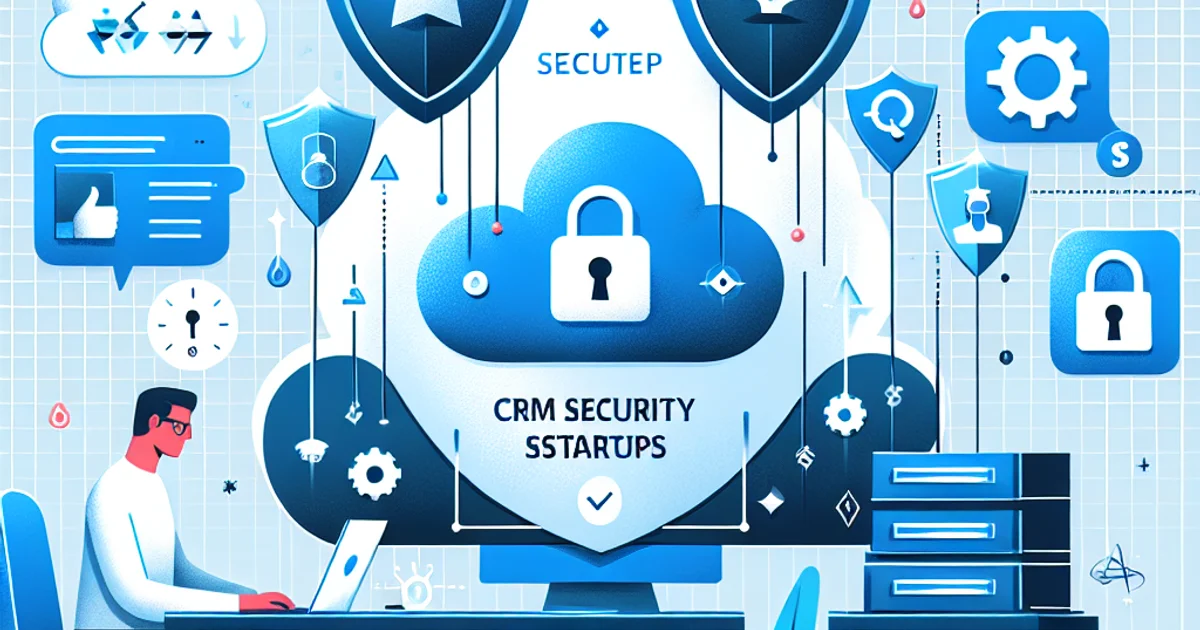
CRM Security for Startups: Protecting Your Data from Day One
Startups often face a myriad of challenges, and ensuring CRM security is a critical one. This guide is tailored for founders and small teams who need to protect their CRM data without the luxury of extensive IT resources. Let's delve into practical steps to secure your CRM, ensuring your startup's data remains safe and compliant.
The Practical Framework for CRM Security
Securing your CRM might seem daunting, but breaking it down into actionable steps can simplify the process. Here’s a practical framework to follow:
- Assessment of Current Security Measures: Begin by evaluating the current security protocols of your CRM. Identify potential vulnerabilities that might expose your data.
- Data Encryption: Implement encryption for data both in transit and at rest. This ensures that even if data is intercepted, it cannot be read without the proper keys.
- User Access Management: Define and control who has access to what information. Implement role-based access control (RBAC) to minimize data exposure.
- Regular Security Audits: Conduct regular security audits to identify new vulnerabilities and ensure compliance with necessary standards.
- Employee Training: Educate your team on CRM security best practices. Often, human error is the weakest link in security chains.
- Backup and Recovery Plans: Establish regular backup routines and a recovery plan in case of a security breach. This ensures business continuity.
- Monitor and Update Software: Regularly update your CRM software and plugins to protect against the latest threats.
Each of these steps is crucial in creating a robust security posture for your CRM. By following this framework, startups can safeguard their data and build trust with their clients.
Example Scenarios
Consider a startup with a small team of five. They use a popular CRM platform to manage customer interactions. However, they notice that unauthorized access attempts are increasing. By implementing the framework, they tighten access controls and educate their team about phishing attempts, significantly reducing the threat.
In another scenario, a startup experiences a data breach due to outdated software. They learn the importance of regular updates and set up automatic updates for their CRM, which helps prevent future breaches.
Common Mistakes in CRM Security
- Neglecting to Update Software: Many startups overlook the importance of regular software updates. This leaves them vulnerable to known exploits. To fix this, set up automatic updates.
- Weak Password Policies: Using weak or default passwords is a common mistake. Implement strong password policies and use two-factor authentication.
- Inadequate User Access Controls: Failing to restrict user access leads to unnecessary data exposure. Implement RBAC to control access effectively.
- Ignoring Employee Training: Employees unaware of security protocols can inadvertently cause breaches. Regular training can mitigate this risk.
- No Backup Strategy: Without a backup, data loss can be catastrophic. Ensure regular backups are part of your security strategy.
Options & Trade-offs
When it comes to CRM security, startups can choose between in-house solutions or outsourcing to a security provider. In-house solutions offer more control but require expertise and resources. Outsourcing can be cost-effective and provide access to advanced security features but may involve less control over data.
Timeline & Effort
Implementing CRM security can be phased:
- Short-term (0-3 months): Focus on immediate security assessments and quick wins like password policies and basic training.
- Medium-term (3-6 months): Implement more complex measures such as encryption and access management.
- Long-term (6+ months): Establish ongoing security audits and advanced employee training.
Common bottlenecks include resource constraints and resistance to change, which can be managed with clear communication and prioritization.
Costs
Costs vary widely based on the chosen approach. In-house solutions may involve costs for hiring security experts and purchasing tools, while outsourcing may include subscription fees. The cost is driven by the complexity of the CRM system and the level of security required.
Wrap-up & Next Steps
- Evaluate your current CRM security posture.
- Implement the practical framework outlined above.
- Choose between in-house or outsourced security solutions.
- Regularly review and update your security measures.
- Engage your team in ongoing security training.
For further insights into optimizing your CRM system, explore CRM Best Practices for Danish Startups and CRM Data Quality Maintenance. Ready to enhance your CRM security? Learn more about features at Foundbase.io.
Frequently asked questions
Q: How can startups secure their CRM systems?
Startups can secure their CRM systems by implementing strong passwords, regularly updating software, and using encryption to protect sensitive data. It's also crucial to educate employees on security practices.
Q: What are the risks of ignoring CRM security?
Ignoring CRM security can lead to data breaches, loss of customer information, and potential legal consequences for startups. This can damage the company's reputation and result in financial losses.
Q: Is it necessary for small startups to invest in advanced security solutions?
While small startups may not have the same resources as larger companies, it is still essential to invest in basic security solutions. This includes firewalls, antivirus software, and regular security updates to protect against threats.
Related guides

crm for sales team collaboration: boost efficiency
Explore how crm for sales team collaboration can optimize your business efficiency. Gain insights into top tools and solutions.
Rasmus Rowbotham
crm for remote sales teams: boost collaboration
Discover how crm for remote sales teams can transform your sales strategy. Learn about top tools and methods to boost collaboration.
Rasmus Rowbotham
crm implementation roadmap for startups: expert guide
Learn how to effectively implement CRM in your startup. This guide covers adoption strategies, onboarding best practices, and success factors for small teams.
Rasmus Rowbotham