CRM for customization for startups: boost customer engagement
Discover how CRM for customization for startups can enhance your customer experience. Start customizing your CRM system today.

Rasmus Rowbotham
Founder of Foundbase and experienced entrepreneur with over 10 years of experience in building and scaling businesses.
Introduction: CRM for Customization in Startups
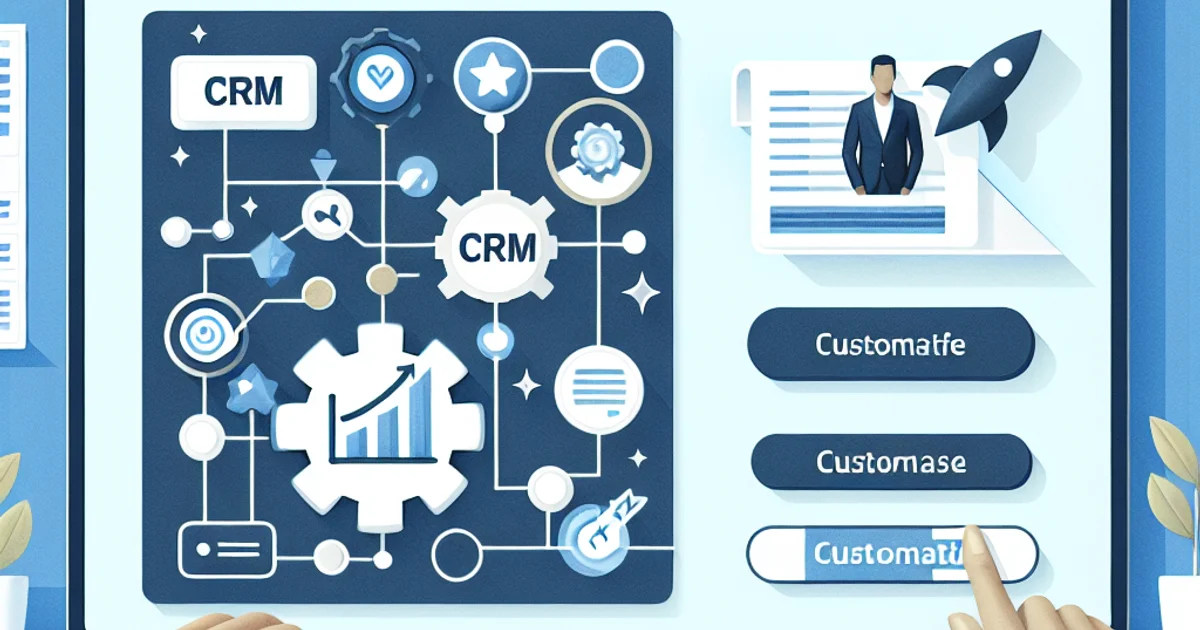
Startups often operate in fast-paced environments where customer relationships can make or break their success. For founders and small teams, leveraging a Customer Relationship Management (CRM) system tailored for customization is crucial. This guide focuses specifically on CRM customization for startups, helping them create customer-centric strategies that enhance engagement and retention.
The Practical Framework for CRM Customization
Customizing a CRM for a startup involves several critical steps that align with the unique needs of a growing business:
- Identify Customer Segments: Start by defining your customer segments. Knowing your audience helps tailor your CRM to meet their needs effectively.
- Select the Right CRM Platform: Choose a CRM that allows flexibility in customization. Ensure it supports integrations with tools you already use.
- Configure Workflows: Design workflows that reflect your customer journey. This ensures every interaction is captured and managed efficiently.
- Personalize Communication: Use CRM data to personalize emails, messages, and content. This strengthens customer relationships.
- Implement Feedback Loops: Regularly collect customer feedback to refine your CRM processes. This keeps your strategies aligned with customer expectations.
Example Scenarios
Consider a startup with a team of five, tight on resources. They initially use a basic CRM but soon realize the need for more customization. They decide to switch to a platform that offers robust customization features, allowing them to create unique workflows for different customer segments. This strategic move helps them increase customer retention by 15% within six months.
Another scenario involves a tech startup juggling multiple projects. Their CRM customization focuses on integrating project management tools, enabling seamless project tracking and customer communication from a single interface. The outcome is improved project delivery timelines and enhanced customer satisfaction.
Common Mistakes to Avoid
- Overcomplicating Customization: Startups often try to implement too many features at once. Focus on essential features that align with immediate business needs.
- Ignoring User Training: A customized CRM is only as good as its users. Invest time in training your team to leverage its full potential.
- Neglecting Data Quality: Customization requires accurate data. Regularly audit your data to ensure it remains relevant and useful.
- Underestimating Integration Needs: Ensure your CRM integrates smoothly with existing tools to avoid workflow disruptions.
- Failing to Update Regularly: As your startup evolves, so should your CRM customization. Regular updates keep it aligned with changing business goals.
Options & Trade-offs
When customizing a CRM, consider these options:
- In-house Development vs. Third-party Tools: In-house development offers full control but requires technical expertise. Third-party tools are quicker to implement but may have limitations.
- Customization vs. Out-of-the-box Solutions: Customization offers tailored solutions but can be costly and time-consuming. Out-of-the-box solutions are faster but may not fit all needs.
Timeline & Effort
Implementing CRM customization typically follows these phases:
- Assessment (1-2 weeks): Evaluate current CRM capabilities and identify customization needs.
- Planning (2-4 weeks): Develop a detailed plan outlining customization steps and resource allocation.
- Implementation (4-8 weeks): Customize CRM features and integrate with existing tools.
- Testing & Training (2-3 weeks): Test the system and conduct user training to ensure smooth adoption.
- Evaluation & Optimization (ongoing): Continuously evaluate performance and make necessary adjustments.
Costs
CRM customization costs vary widely depending on factors such as the chosen platform, extent of customization, and technical resources. Typical costs range from a few hundred to several thousand dollars. Consider long-term value and not just upfront costs when budgeting.
Wrap-up & Next Steps
To effectively customize your CRM for startup success, focus on customer segmentation, choose the right platform, and streamline your workflows. Avoid common pitfalls by keeping customization simple and ensuring your team is well-trained. Regularly update your CRM to align with evolving business needs.
For more insights on CRM customization, explore our resources at Foundbase CRM Features.
Frequently asked questions
Q: How can CRM for customization help startups boost customer engagement?
CRM for customization allows startups to tailor their interactions with customers by analyzing data and customizing communication and offers, leading to increased customer engagement and loyalty.
Q: What features should a CRM system have to be effective for customization?
An effective CRM system for customization should include features like customer segmentation, marketing automation, personalized campaigns, and integration with other tools to ensure a cohesive customer experience.
Q: Is it expensive for startups to implement a CRM system for customization?
Many CRM systems offer scalable solutions that can fit a startup's budget. It's important to choose a system that can grow with the business and offers flexible pricing structures.
Related guides

CRM customer segmentation strategies: Boost your marketing
Discover expert CRM customer segmentation strategies to boost your marketing. Learn how to effectively segment your customers.
Rasmus Rowbotham
crm for sales team collaboration: boost efficiency
Explore how crm for sales team collaboration can optimize your business efficiency. Gain insights into top tools and solutions.
Rasmus Rowbotham
crm for remote sales teams: boost collaboration
Discover how crm for remote sales teams can transform your sales strategy. Learn about top tools and methods to boost collaboration.
Rasmus Rowbotham