crm customization for startups: Boost efficiency
Explore crm customization for startups to boost your business efficiency. Start customizing today.

Rasmus Rowbotham
Founder of Foundbase and experienced entrepreneur with over 10 years of experience in building and scaling businesses.
Intro to crm customization for startups
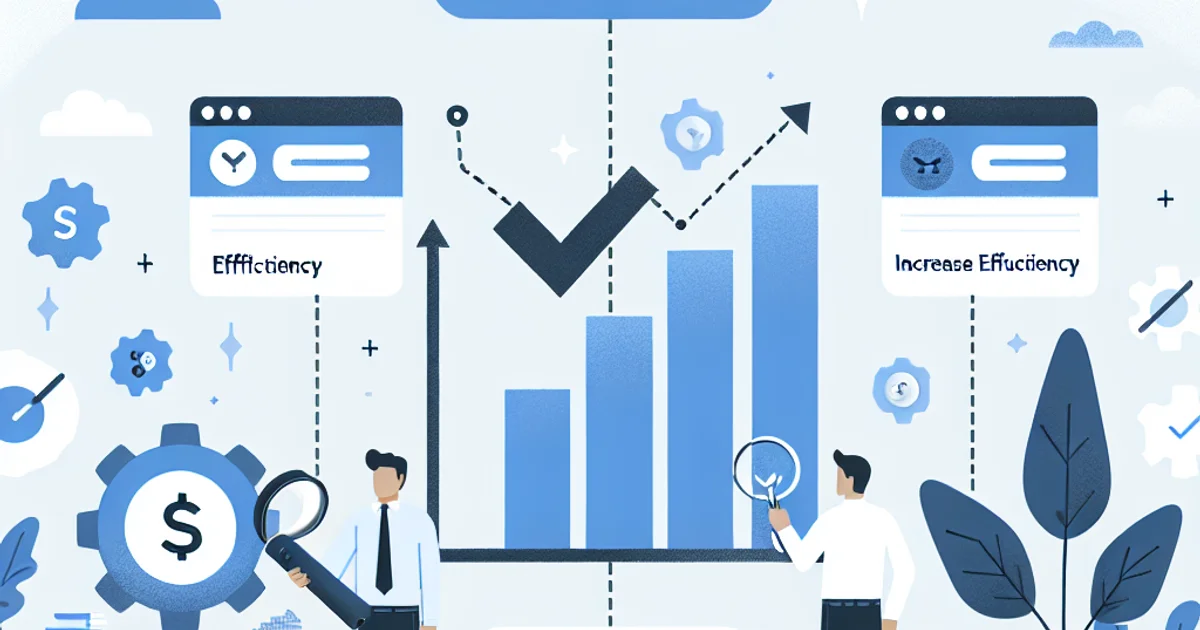
For startups, the key to leveraging a Customer Relationship Management (CRM) system lies in its customization. Unlike large enterprises, startups operate in a fast-paced environment with unique challenges and opportunities. This guide is designed for entrepreneurs and small teams eager to tailor a CRM system to fit their specific needs, helping them streamline operations and enhance customer interactions without unnecessary complexity.
The practical framework for customizing CRM
Customizing a CRM system for a startup isn't a one-size-fits-all approach. Instead, it involves a series of deliberate steps that align the tool with the startup's unique goals and processes. Here’s a practical framework to guide you through this process:
1. Identify core objectives
Start by clearly defining what you want to achieve with your CRM. Is it to improve lead management, enhance customer service, or perhaps streamline communication? Understanding your primary objectives will guide subsequent customization efforts.
2. Map your customer journey
Outline the customer journey from awareness to post-purchase. This map will help identify touchpoints where CRM can enhance customer experience, ensuring no critical step is overlooked.
3. Prioritize features
Not every feature is necessary from the get-go. Prioritize those that address immediate needs. For instance, startups often benefit from automated workflows and lead scoring to manage small but growing customer bases effectively.
4. Customize data fields
Standard CRM data fields may not suffice. Tailor these to capture information vital for your business. For example, a tech startup might need fields related to product usage or subscription status.
5. Integrate essential tools
Ensure your CRM integrates with essential tools like email, social media, and project management platforms. This integration reduces data silos and enhances cross-functional collaboration.
6. Establish user roles
Define roles and permissions within the CRM to control access to sensitive data. This step is crucial for maintaining data security and ensuring team members have access to relevant information only.
7. Test and iterate
Launch your customized CRM with a small group of users to gather feedback. Use this feedback to make iterative improvements, ensuring the system evolves with your business needs.
8. Train your team
Invest in training to ensure team members can effectively use the CRM. A well-trained team can fully leverage the CRM's capabilities, maximizing the return on investment.
Example scenarios
Consider a tech startup with six team members. They need a CRM to manage customer inquiries and sales leads effectively. Initially, they prioritize features like email integration and custom data fields for tracking software usage. Over time, they add advanced analytics as their customer base grows, demonstrating how a phased approach can accommodate evolving needs.
Another scenario involves a digital marketing agency focusing on CRM to improve client communications. They customize their system to include project management tools and create specific workflows for different client types, enhancing efficiency and client satisfaction.
Common mistakes and how to avoid them
1. Over-customization
One common mistake is over-customizing from the start, which can lead to a complex system that's difficult to manage. Start with essential features and expand as needed.
2. Ignoring user feedback
Failing to incorporate user feedback can render the CRM ineffective. Regularly solicit feedback and make necessary adjustments to ensure alignment with user needs.
3. Lack of integration
A CRM that doesn't integrate with existing tools can create data silos. Prioritize integrations to ensure seamless data flow across platforms.
4. Skipping training
Without proper training, teams might underutilize CRM features. Invest in comprehensive training sessions to maximize system utility.
5. Neglecting data governance
Without clear data governance policies, data quality can deteriorate. Implement policies to maintain data accuracy and integrity.
Options and trade-offs
There are several approaches to CRM customization, each with its trade-offs:
In-house customization
This approach offers control but requires technical expertise and resources, making it suitable for startups with tech-savvy teams.
Using CRM consultants
Consultants provide expertise but can be costly. They’re ideal for startups needing quick, professional customization without in-house resources.
Leveraging CRM add-ons
Add-ons can enhance functionality without significant overhaul. However, they may introduce compatibility issues, so choose reputable providers.
Timeline and effort
Customizing a CRM can vary in time and effort. Initial setup might take weeks, focusing on core features and integrations. Ongoing customization and improvements can continue over months as the startup evolves. Key bottlenecks often include integration challenges and user training.
Costs
CRM customization costs depend on several factors, including complexity, required features, and whether external consultants are used. Startups should budget for initial setup and ongoing adjustments as needs change.
Wrap-up and next steps
Effective CRM customization can significantly impact a startup's success. To begin:
- Identify and prioritize CRM objectives.
- Map the customer journey to uncover CRM touchpoints.
- Start with essential features and expand over time.
- Ensure integration with existing tools for seamless workflow.
- Regularly solicit team feedback for iterative improvements.
For a deeper dive into CRM features that can elevate your startup, explore the options at Foundbase CRM Features.
Frequently asked questions
Q: How can CRM customization improve efficiency in a startup?
CRM customization can enhance efficiency by tailoring the system to your specific business processes, reducing time spent on manual tasks, and improving data insights.
Q: What features should be prioritized in a customized CRM solution for startups?
For startups, prioritize features like sales process automation, integration with existing tools, and a user-friendly interface to increase adoption and efficiency.
Q: Is it expensive to customize a CRM solution for a startup?
The cost of CRM customization can vary, but many CRM providers offer flexible solutions and pricing plans that fit startups' budgets, making it an affordable investment.
Related guides

crm for lead conversion optimization: boost sales
Discover how to optimize your CRM to improve lead conversions. Gain insights into strategies and practical tips to boost your sales.
Rasmus Rowbotham
crm for startup customer success: Boost growth
Discover how crm for startup customer success can enhance your business growth. Implement effective strategies and tools for small teams.
Rasmus Rowbotham
Crm customer feedback integration: enhance your strategy
Discover how to integrate customer feedback into your CRM system to enhance customer satisfaction and refine your strategy.
Rasmus Rowbotham