Crm customer feedback integration: enhance your strategy
Explore crm customer feedback integration to boost your customer strategy. Start integrating feedback today.

Rasmus Rowbotham
Founder of Foundbase and experienced entrepreneur with over 10 years of experience in building and scaling businesses.
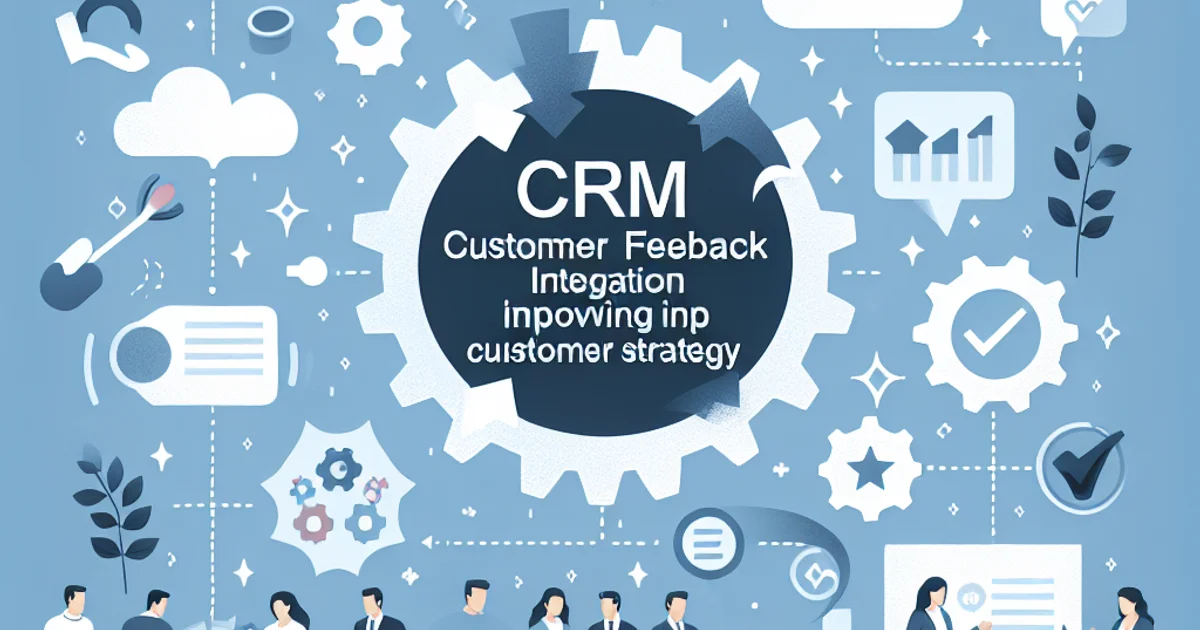
Integrating customer feedback into CRM: A practical guide for startups
For small teams and startups, integrating customer feedback into your CRM system can be a game-changer. It helps you stay agile, understand your customers better, and make informed decisions that drive growth. This guide is specifically tailored to help entrepreneurs and small teams navigate the process of CRM customer feedback integration effectively, ensuring that you avoid common pitfalls and leverage feedback to its fullest potential.
The practical framework
Integrating customer feedback into your CRM involves several critical steps. Here's a practical workflow to guide you:
- Identify your feedback sources. Determine where your feedback is coming from. This could be through surveys, social media, direct emails, or customer support interactions. Knowing your sources helps in organizing and categorizing the feedback efficiently.
- Choose the right CRM. Not all CRMs are created equal. Select a system that supports feedback integration either natively or through third-party apps. Look for features like customizable fields and advanced reporting.
- Set up feedback channels. Integrate your feedback channels with the CRM. This can be done via APIs or connectors that sync data automatically, ensuring that no piece of feedback slips through the cracks.
- Categorize and tag feedback. Develop a system for tagging feedback based on themes, urgency, or departments it relates to. This makes it easier to sort and prioritize actions.
- Analyze feedback data. Use CRM analytics to identify trends and insights. Look for patterns in customer pain points or requests that can influence product development or customer service improvements.
- Develop action plans. Create actionable plans based on the insights. This could be improving a feature, addressing a common complaint, or launching a new service.
- Implement changes and follow-up. Execute the plans and communicate back to the customers about the changes made based on their feedback. This closes the feedback loop and shows customers that their input is valued.
- Monitor and adjust. Continuously monitor the effectiveness of the changes and make adjustments as necessary. Feedback integration should be an ongoing process, not a one-time setup.
Example scenarios
Scenario 1: The tech startup with a lean team
A tech startup with a team of five needs to integrate feedback from their app users to improve their product. With limited resources, they choose a CRM that offers native feedback integration features. Using automated tools, they synchronize feedback from app store reviews and customer support tickets directly into the CRM. By categorizing feedback into bugs, feature requests, and compliments, they prioritize development tasks efficiently.
Scenario 2: The local retail business
A small local retail business wants to enhance customer satisfaction. They collect feedback through in-store surveys and social media. Since they lack technical expertise, they use a CRM with an intuitive interface and strong customer support. By tagging feedback about product preferences and complaints, they adjust their inventory and marketing strategies accordingly.
Common mistakes to avoid
- Ignoring feedback sources. Many startups fail to identify all potential feedback sources, missing valuable insights. Always map out all possible channels where customers might be leaving feedback.
- Choosing the wrong CRM. Opting for a CRM that lacks feedback integration features can lead to inefficiencies. Always assess CRM capabilities and ensure they align with your feedback strategy.
- Overlooking feedback categorization. Without proper categorization, feedback can become overwhelming and hard to act on. Develop a clear tagging system from the start.
- Failing to act on feedback. Gathering feedback without implementing changes can frustrate customers. Always close the feedback loop by taking visible action.
- Neglecting ongoing monitoring. Feedback integration is not a one-off project. Regularly review feedback to ensure continuous improvement.
Options and trade-offs
Option 1: Native CRM integration
Best fit for teams looking for simplicity and seamless workflows. Downsides include potential limitations in customization. Prerequisites include a CRM system that supports feedback natively.
Option 2: Third-party feedback tools
Ideal for teams requiring advanced features and flexibility. Downsides can be higher costs and complexity in setup. Prerequisites include technical expertise to manage integrations.
Timeline and effort
Implementing feedback integration typically unfolds in phases:
- Phase 1: Setup and configuration (1-2 weeks). Involves choosing a CRM, configuring feedback channels, and setting up tags.
- Phase 2: Data migration and initial integration (2-4 weeks). Migrating existing feedback data and integrating ongoing channels.
- Phase 3: Analysis and action planning (3-6 weeks). Analyzing feedback and developing actionable plans.
- Phase 4: Implementation and monitoring (ongoing). Executing changes and adjusting strategies based on feedback.
Bottlenecks often occur in the data migration phase due to compatibility issues, and during action planning due to resource constraints.
Costs
Costs of CRM feedback integration can vary widely:
- CRM subscription fees. These can range from affordable entry-level plans to more expensive enterprise packages, depending on features.
- Integration tools. If using third-party tools, expect additional costs for connectors or API usage.
- Human resources. Costs related to training staff and potential need for a dedicated feedback manager.
Variation in costs is driven by the number of feedback channels, the complexity of integration, and the size of the team managing feedback.
Wrap-up and next steps
To successfully integrate customer feedback into your CRM:
- Identify all feedback sources and choose the right CRM for your needs.
- Set up integration channels and develop a robust feedback categorization system.
- Analyze feedback regularly and develop actionable plans.
- Implement changes and follow up with customers to close the feedback loop.
- Monitor the process continuously and adjust as necessary.
- Explore the Foundbase CRM features to enhance your feedback integration efforts.
Frequently asked questions
Q: How can CRM systems effectively integrate customer feedback?
CRM systems can integrate customer feedback by aggregating data from various feedback channels such as emails, social media, and surveys. This provides a comprehensive view of customer experiences and helps identify areas that need improvement.
Q: What benefits can CRM customer feedback integration bring?
Integrating customer feedback into CRM can lead to improved customer satisfaction, increased loyalty, and more targeted marketing strategies. It allows businesses to quickly respond to customer needs and enhance products and services based on direct feedback.
Q: What challenges may arise when integrating customer feedback into CRM?
Challenges include ensuring data quality, managing large volumes of data, and integrating feedback from different sources in a consistent manner. It also requires staff to be trained in using the CRM system effectively.
Related guides

crm for lead conversion optimization: boost sales
Discover how to optimize your CRM to improve lead conversions. Gain insights into strategies and practical tips to boost your sales.
Rasmus Rowbotham
crm for startup customer success: Boost growth
Discover how crm for startup customer success can enhance your business growth. Implement effective strategies and tools for small teams.
Rasmus Rowbotham
crm customization for startups: Boost efficiency
Learn how to customize your CRM for your startup and enhance efficiency. Get tailored solutions and optimize your business.
Rasmus Rowbotham